How can you organise a kids birthday party with ECHOage?
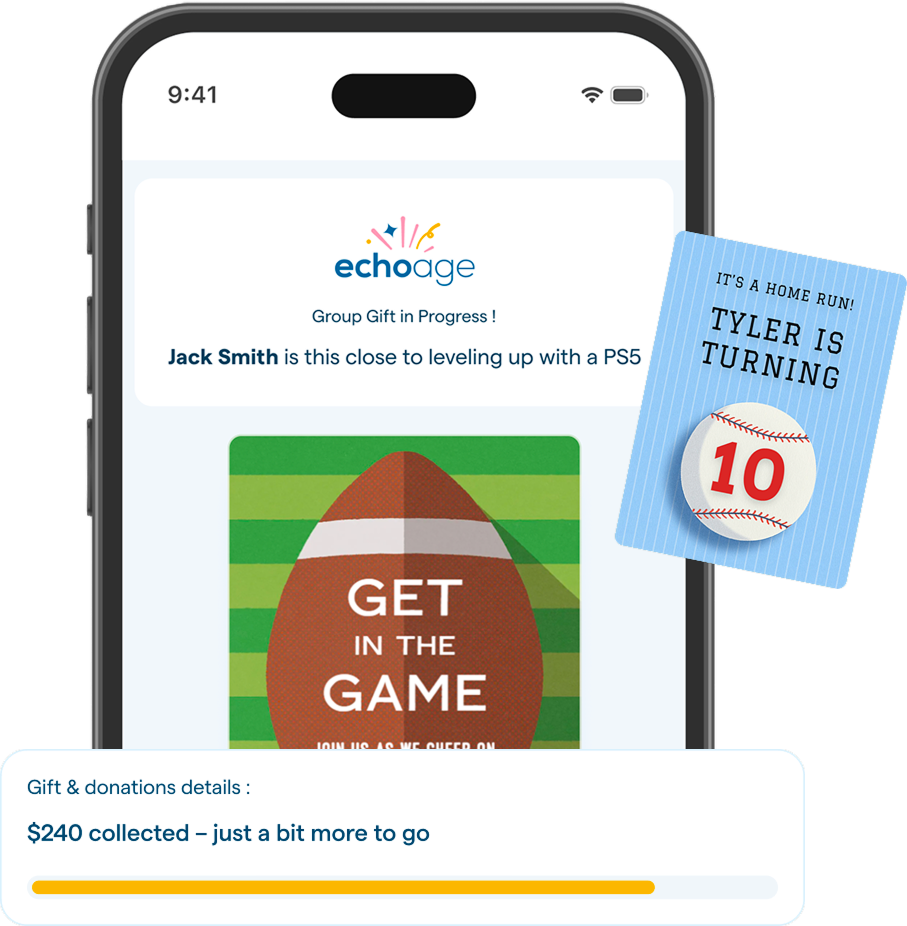
Personalise your choice
Easily choose a design and customise it to fit your style. Add your unique touch with custom details, making it fully bespoke.
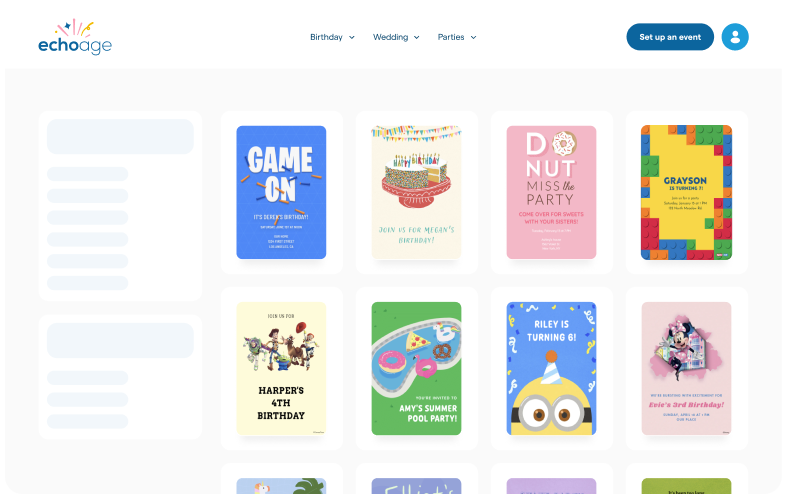
Pick a charity & group gift
Choose from trusted charities to support a cause that matters to you and make a meaningful impact with every gift.
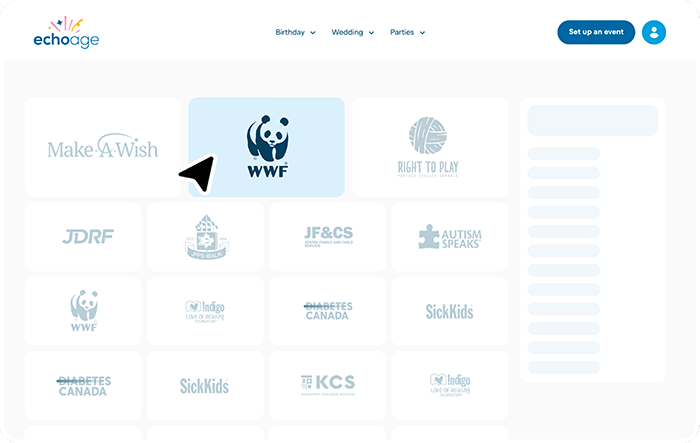
Send invitations
Effortlessly send invitations to your guests and make your special occasion unforgettable. Send invitations via email or social media.
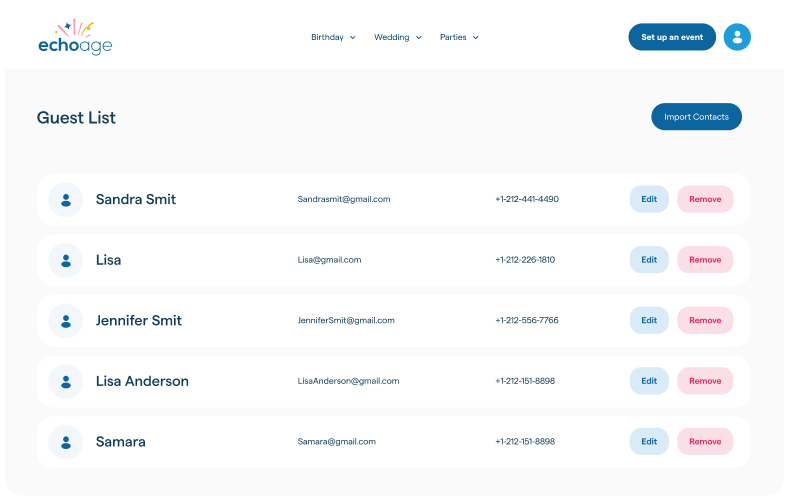
ECHOage birthday heroes




Parents LOVE ECHOage
Andrea Lombardi
We absolutely love ECHOage, it's such a great way to let children give back while still getting something special for themselves. We use it for every birthday in our house!
Read moreAnna Maria Marando
Great option for kids birthdays as they accumulate many gifts but with the Echoage platform, we were able to select a charity to support with half of the funds going back to the birthday ...
Read moreMAHSHID golshani
So happy that this year my son was able to play a small part in supporting SickKids. It was such a valuable lesson for him—to be generous and to learn how even the smallest steps can help...
Read moreReady to start your party?
Skip the piles of unwanted gifts—ECHOage makes birthdays easy with group gifts kids love and a charity they choose to support.